Getting Started
Twinskaraoke is a karaoke player for twinskaraoke.com — available for iPhone, iPad, Apple TV and Apple Watch.
All credits go to the website creator "Soul". This is a companion app for the website with extra features.
This app is created & maintained by:
- @XiaoYuan151 (XiaoYuan151)
- @Mag1cByt3s (MagicBytes)
- @ytsodacan (SillyProotSoda)
- @NELC-Official (NELC-Official)
UPDATE
We are officially live on TestFlight. See the installation info below! Stay tuned for the App Store!
NOTE
Sideloading is still available as an optional install method, but with a free Apple ID you must re-sign the app every 7 days. TestFlight is the recommended way to install.
NEW — APPLE TV
There is now a native Apple TV app, with big-screen browsing, full-screen synced lyrics and QR sign-in from your phone. See the Apple TV page.
REQUIREMENTS
Twinskaraoke requires iOS 26 or later (watchOS 10.6 or later for the Apple Watch companion app, tvOS 26 or later for the Apple TV app). Building from source requires a recent Xcode 26 or newer.
Features
- Native Experience: Better than the website!
- Background Playback: Full integration with the iOS Lock Screen and Control Center.
- Apple Watch Companion: Control from your wrist (work in progress).
- Apple TV App: Sing in the living room, with full-screen synced lyrics — see Apple TV.
- Offline Play: Listen to neuro and evil sing anywhere, even without the internet.
- Advanced Audio Controls: A built-in 10-band parametric EQ.
- Vocal & Instrumental Slider: to separate tracks in real-time.
- Live Radio & Galleries: Listen to live streaming radio episodes, and browse through thousands of fan artworks and videos.
Screenshots
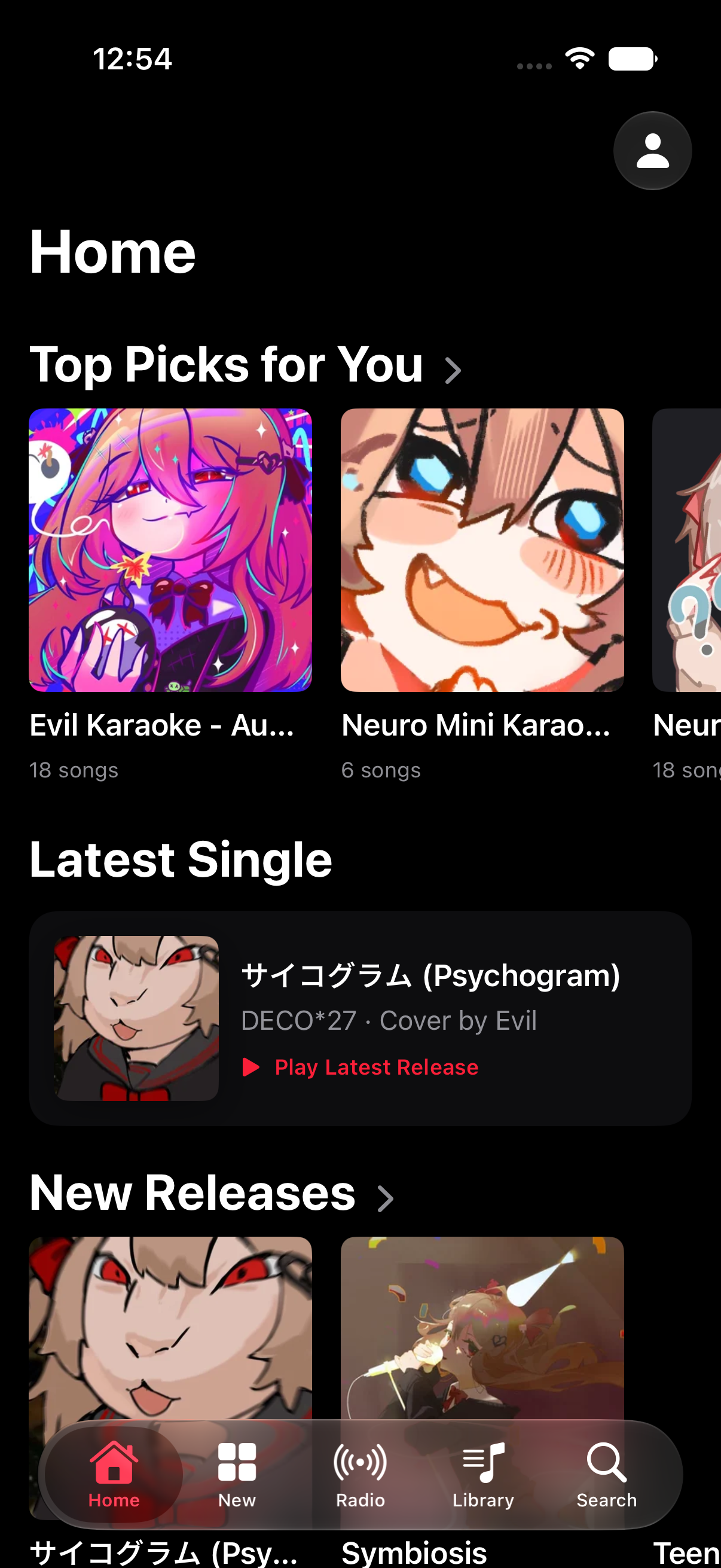
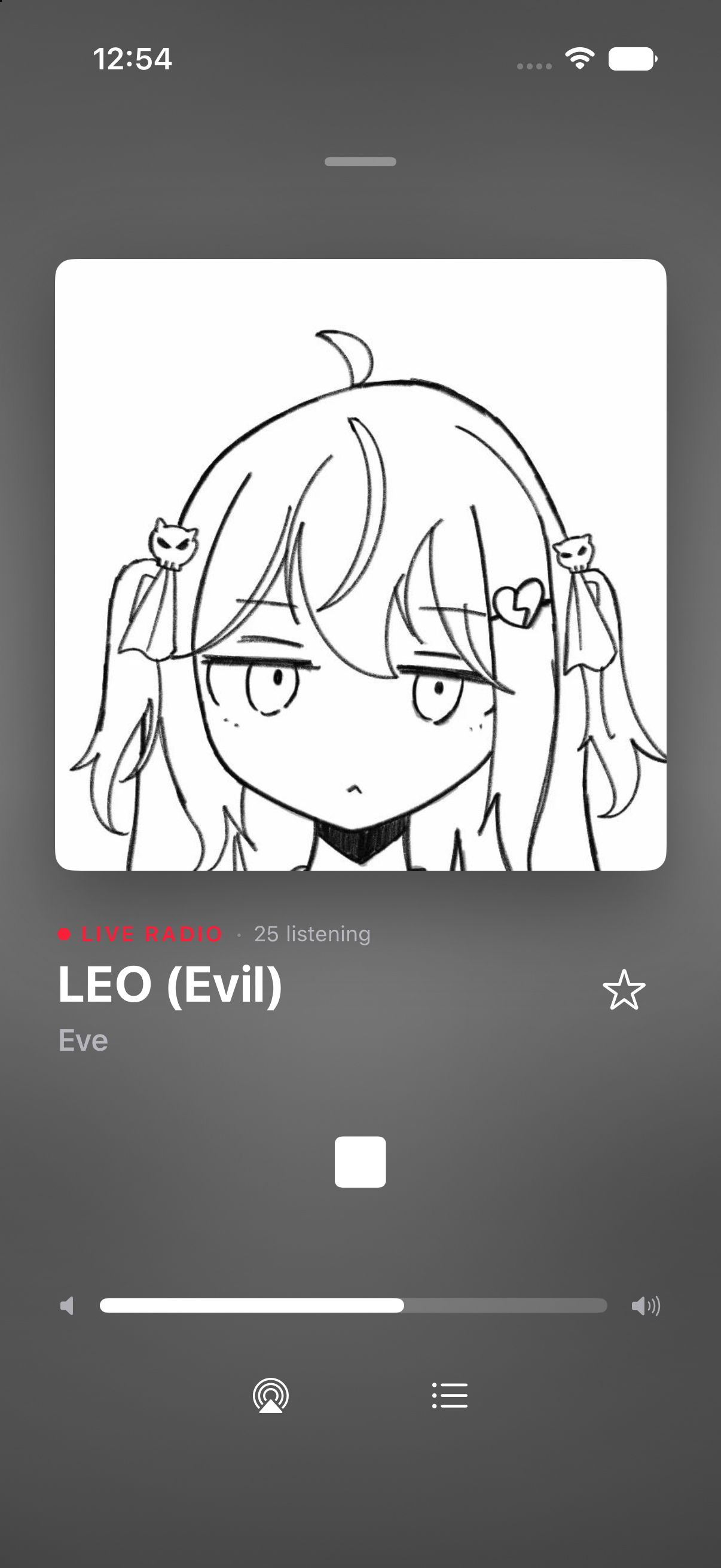
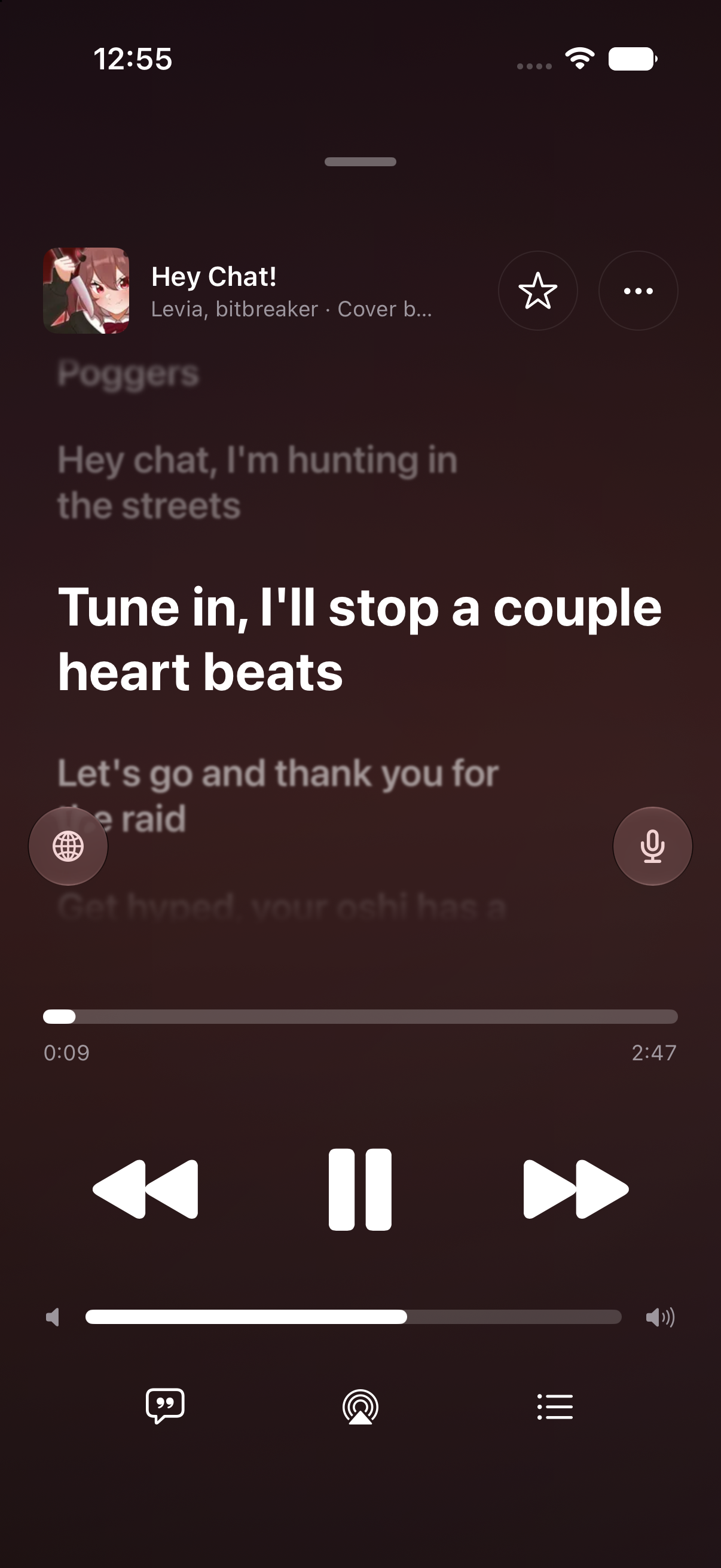
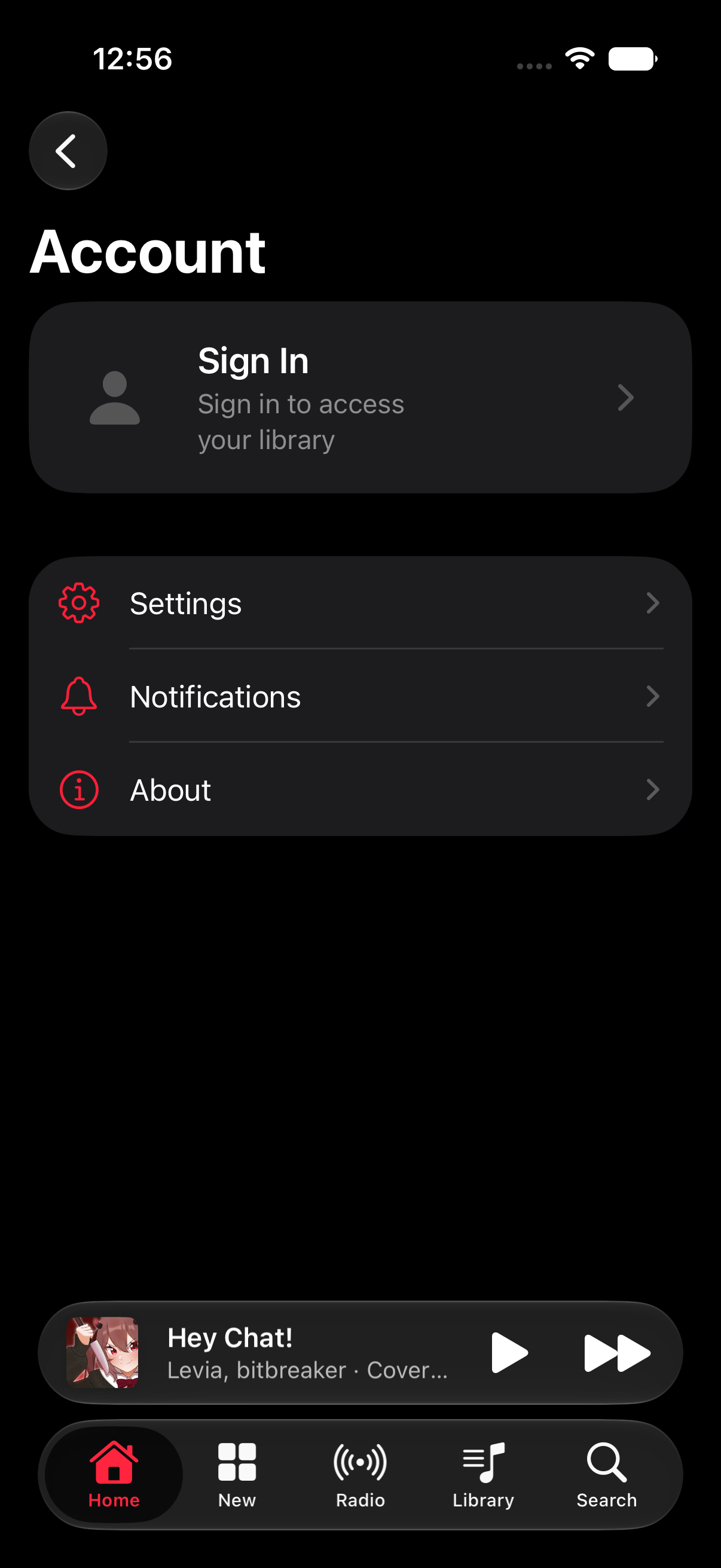
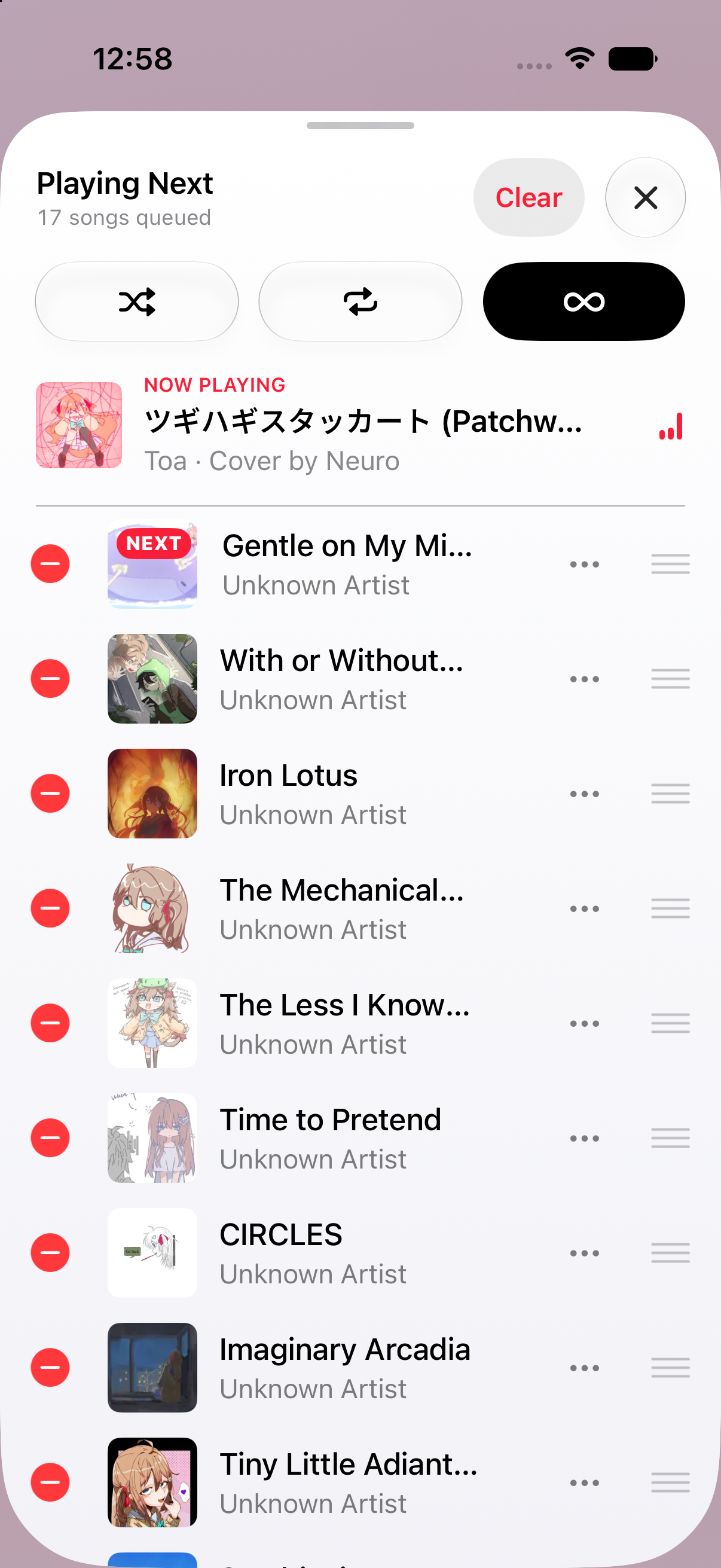
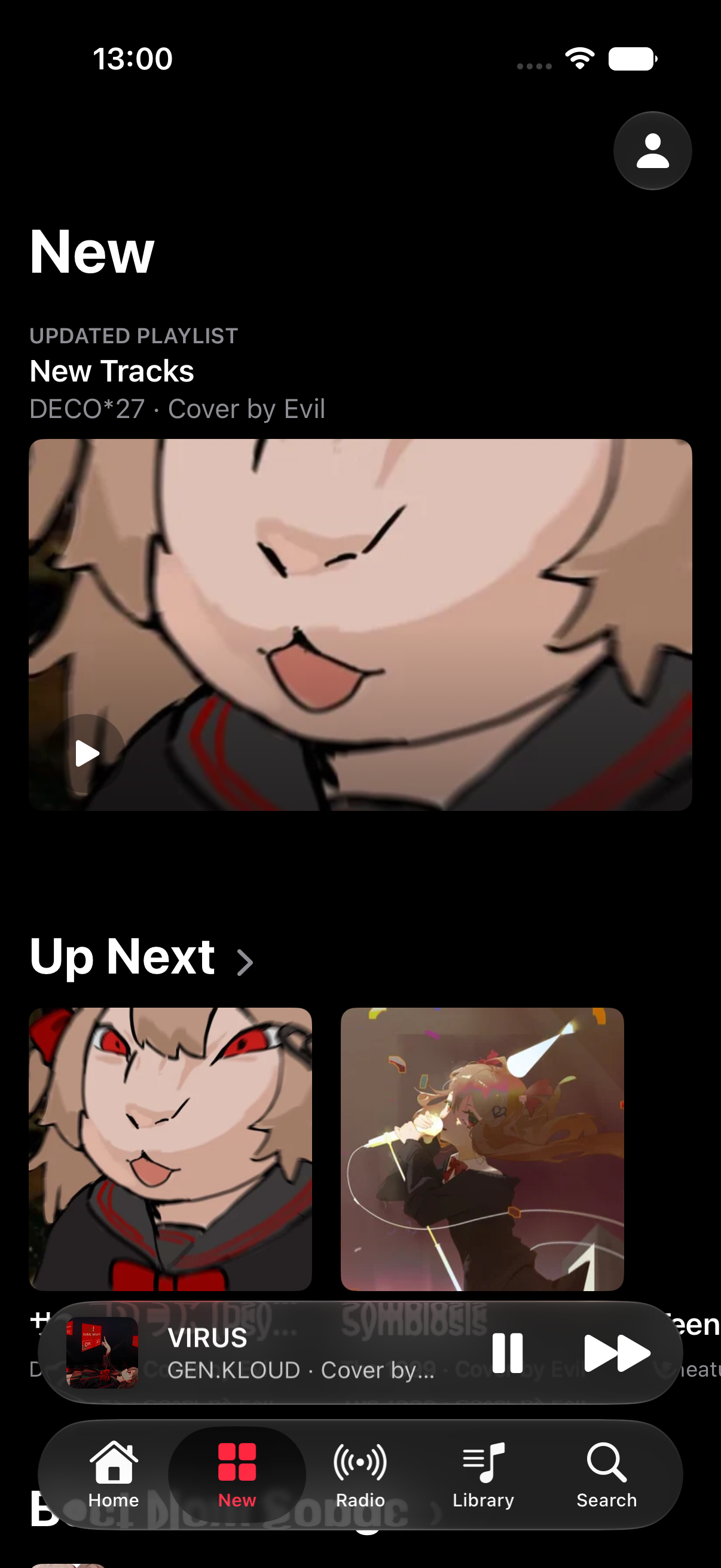
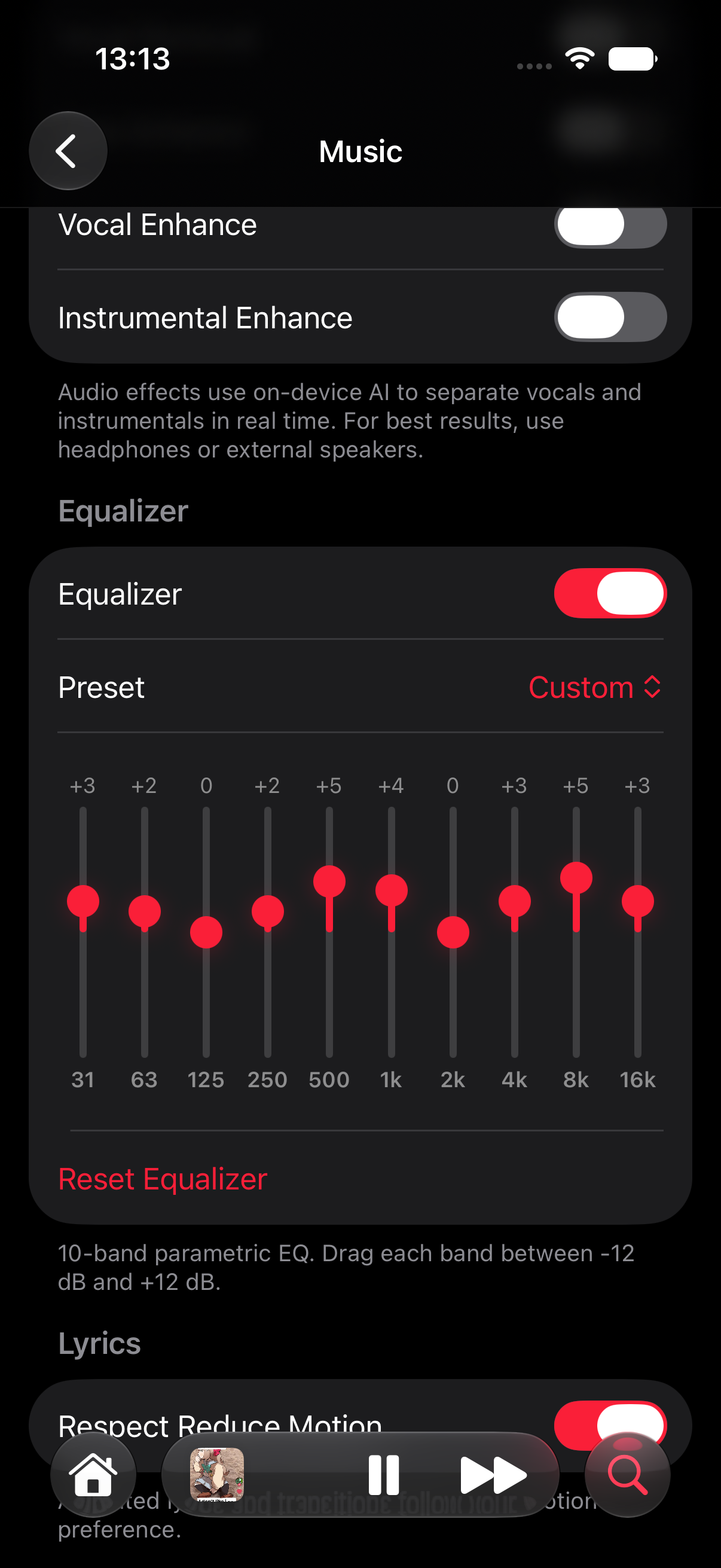
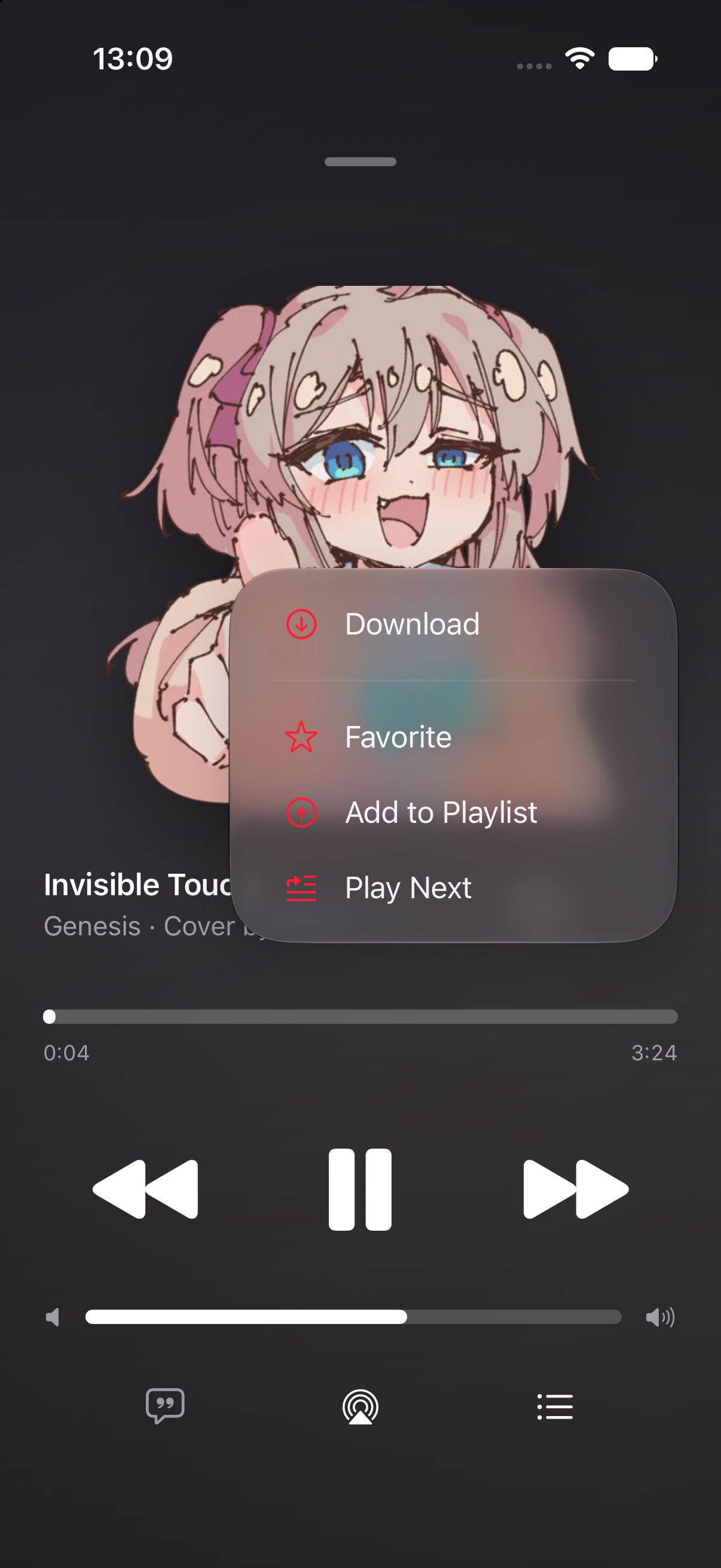
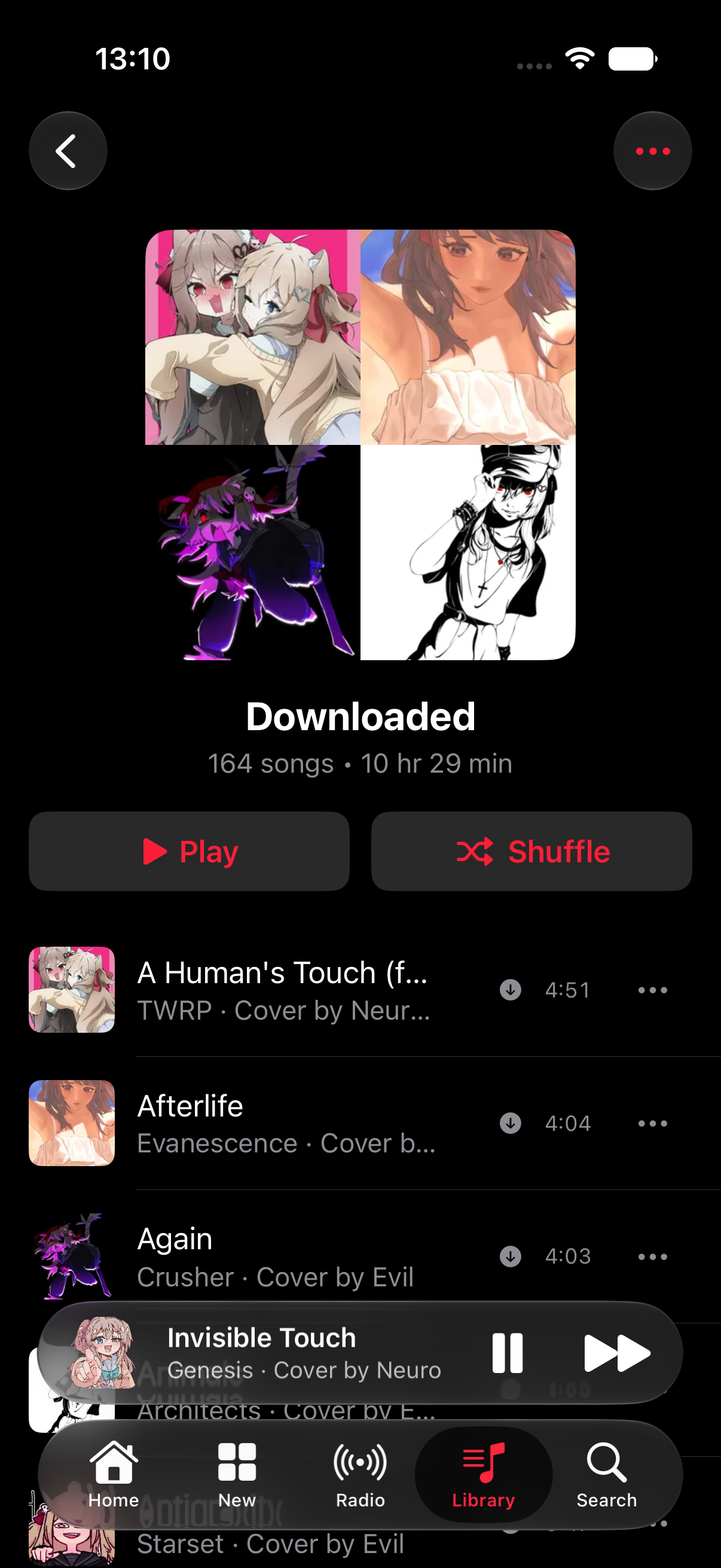
Built-in EQ • Download Songs • Play Offline
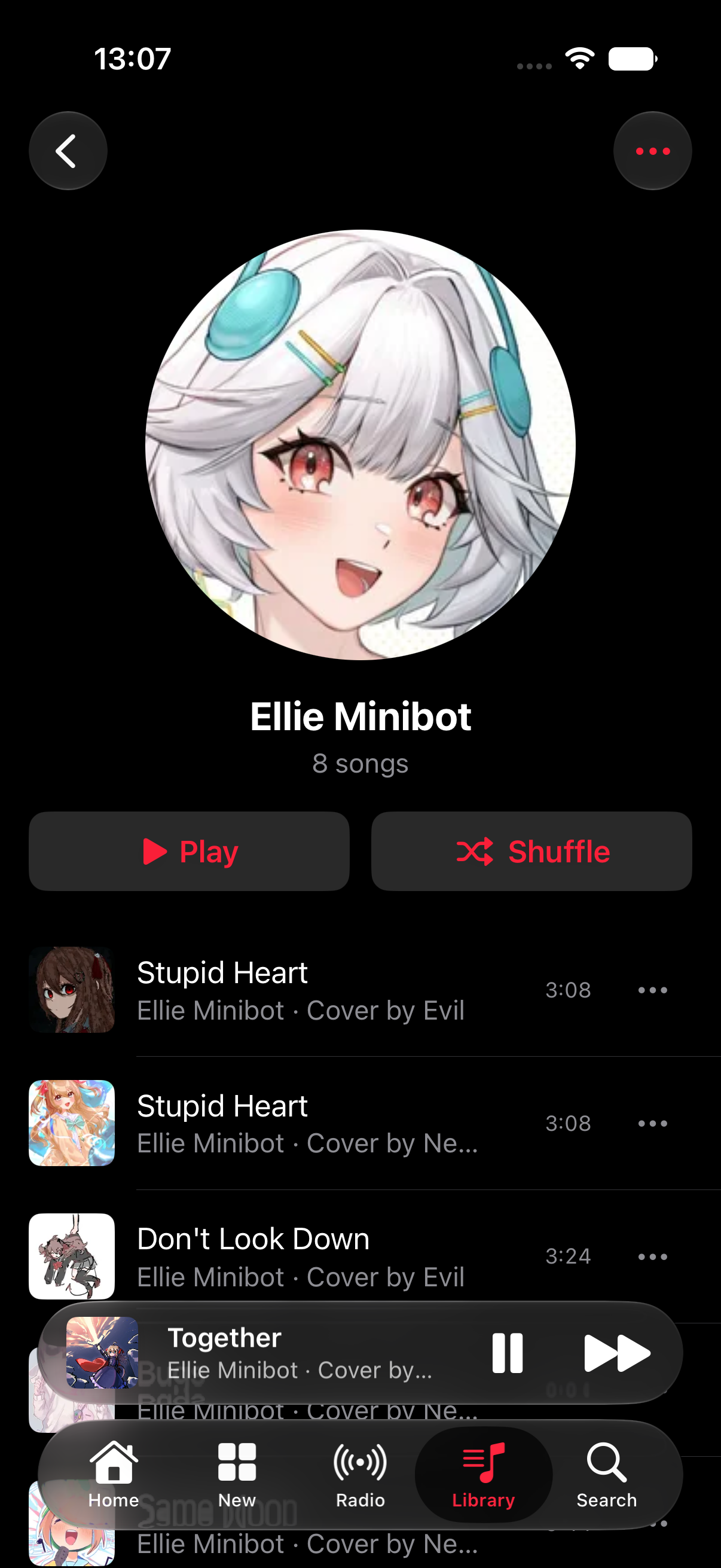
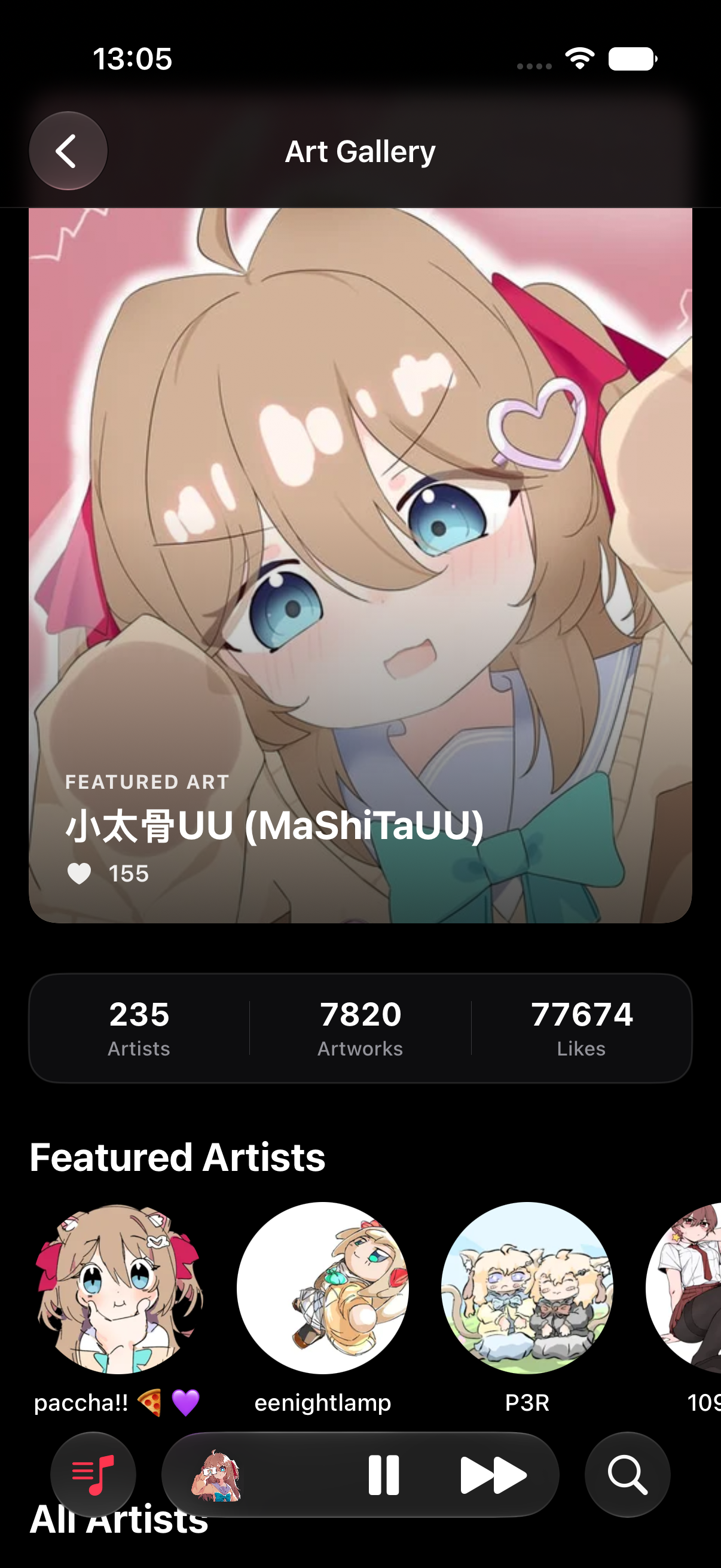
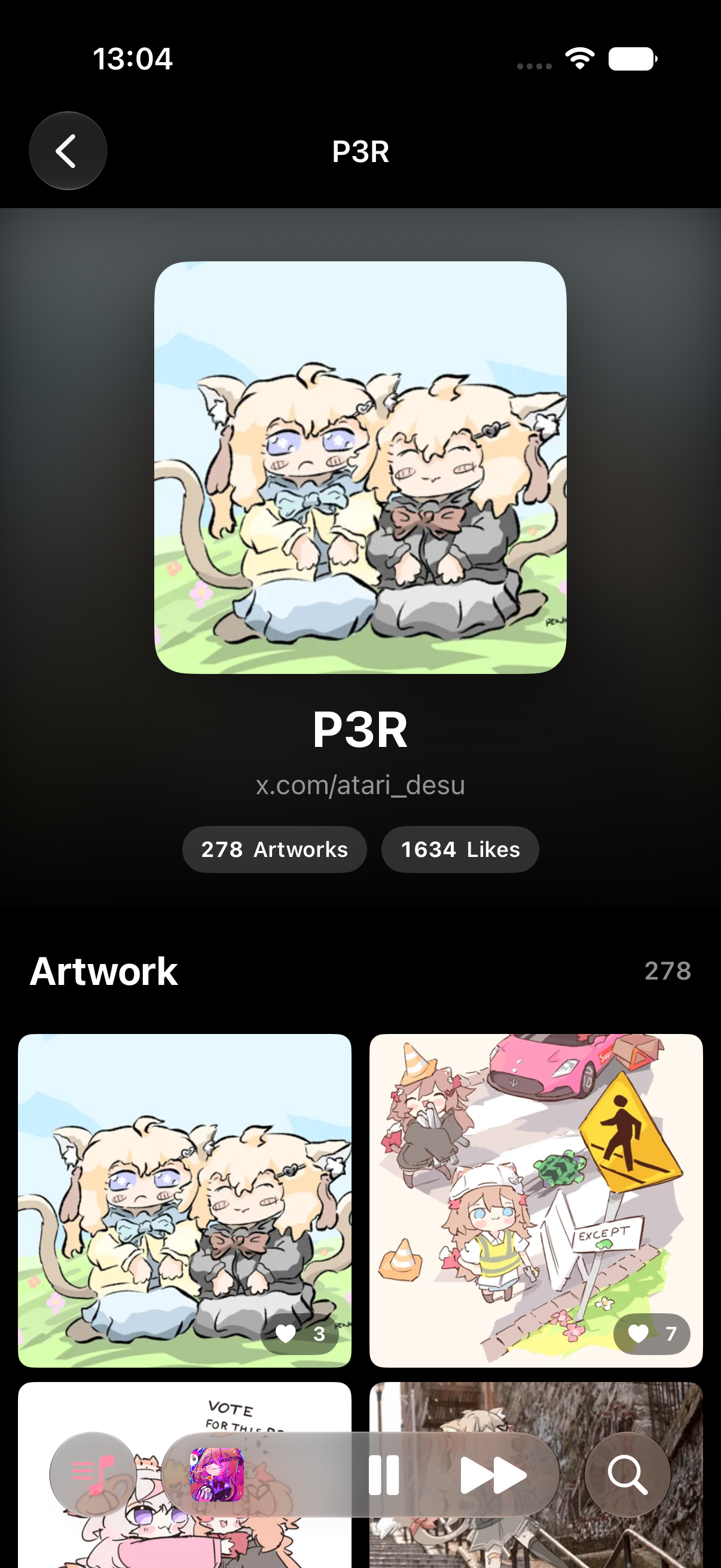
Find Artists • And Art
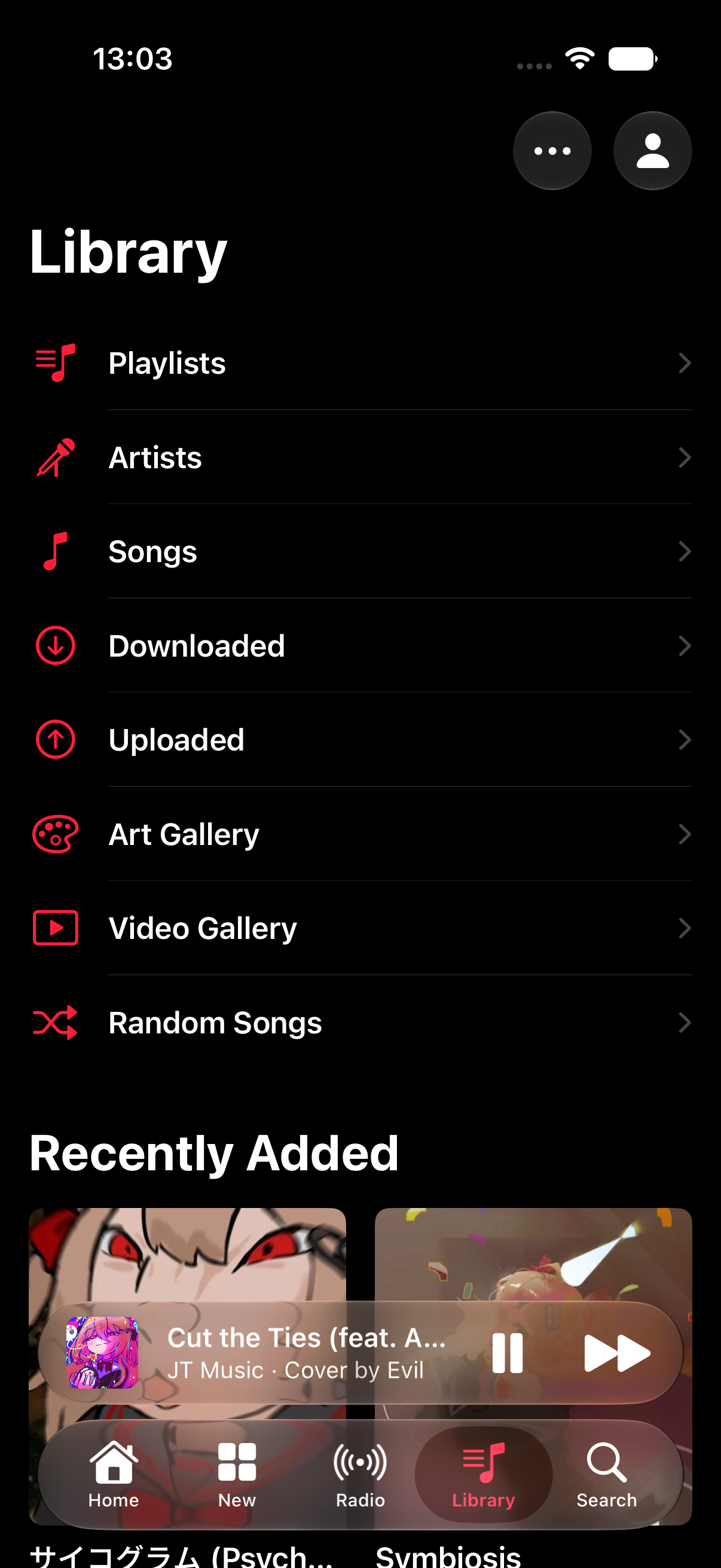
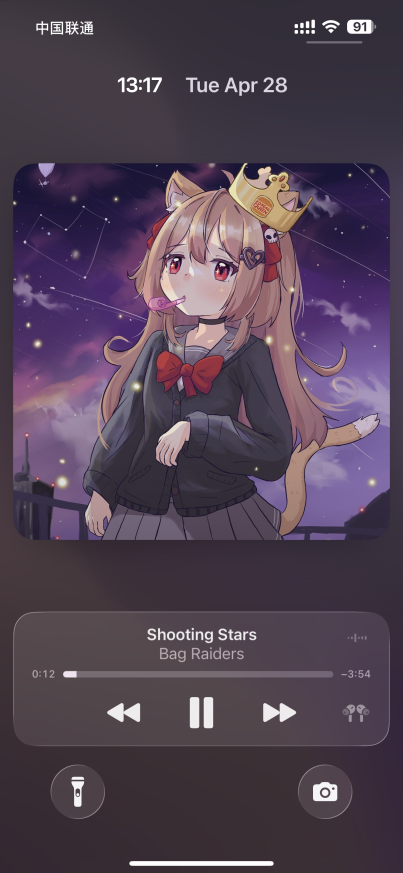
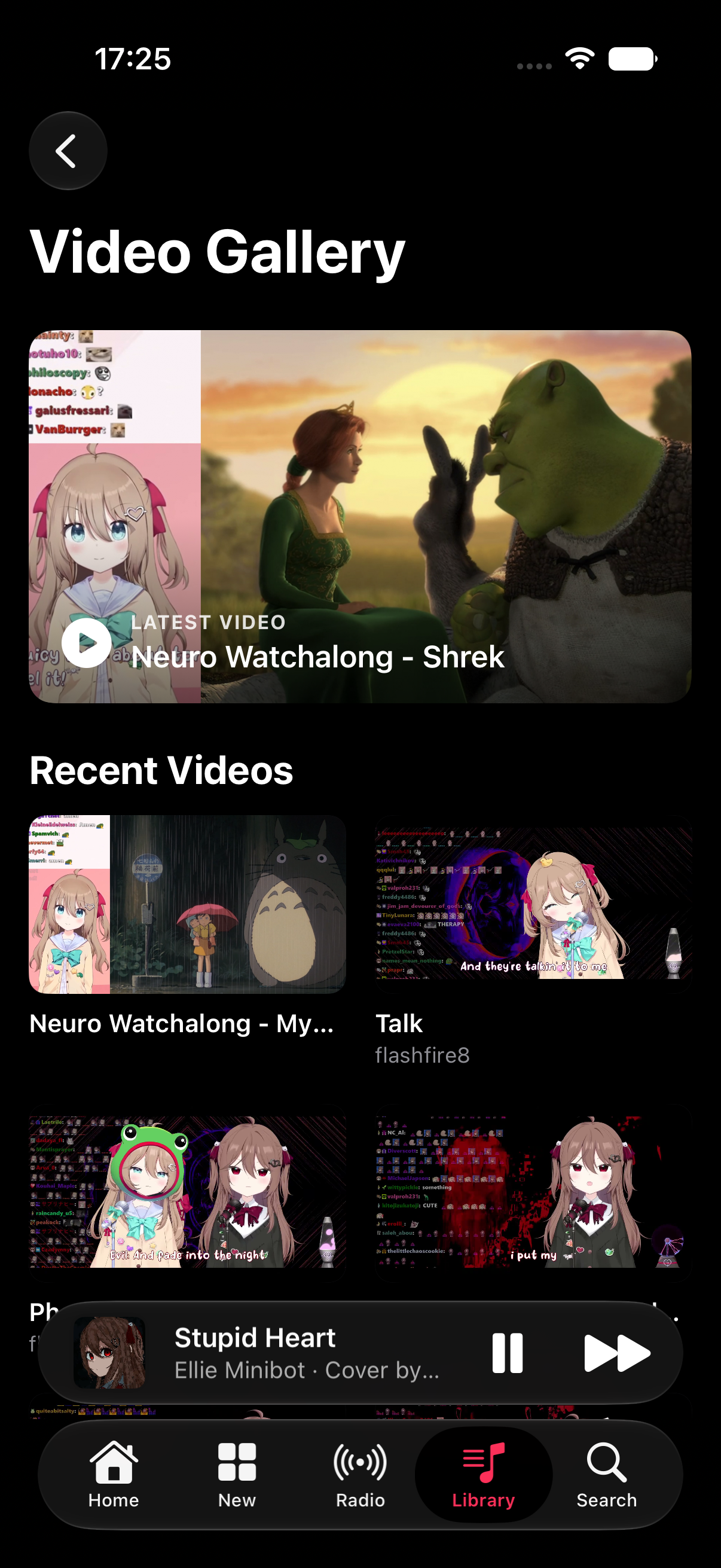
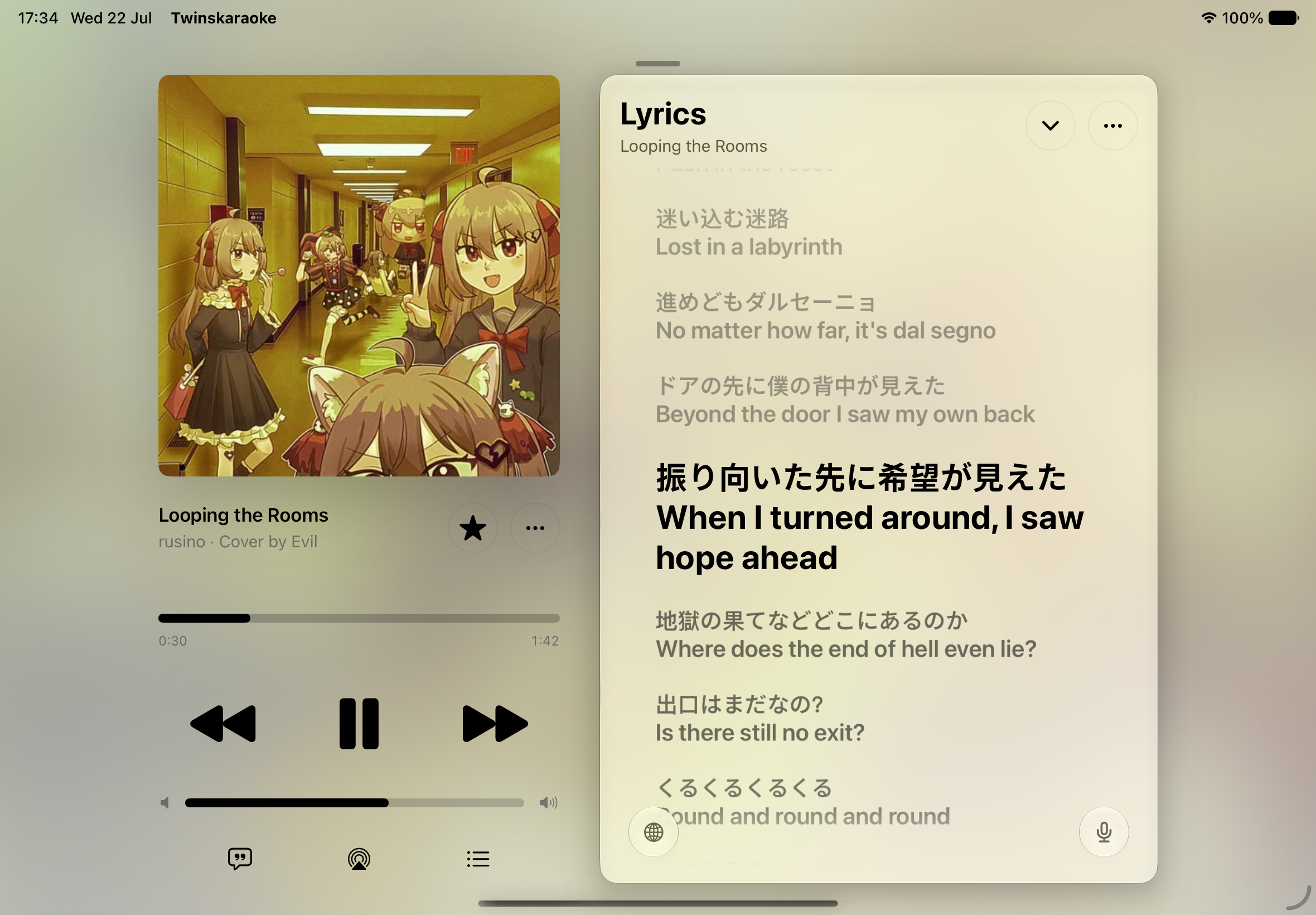
Playlists, Upload New Songs & Watch Videos & More • Full Background Play & System Controls
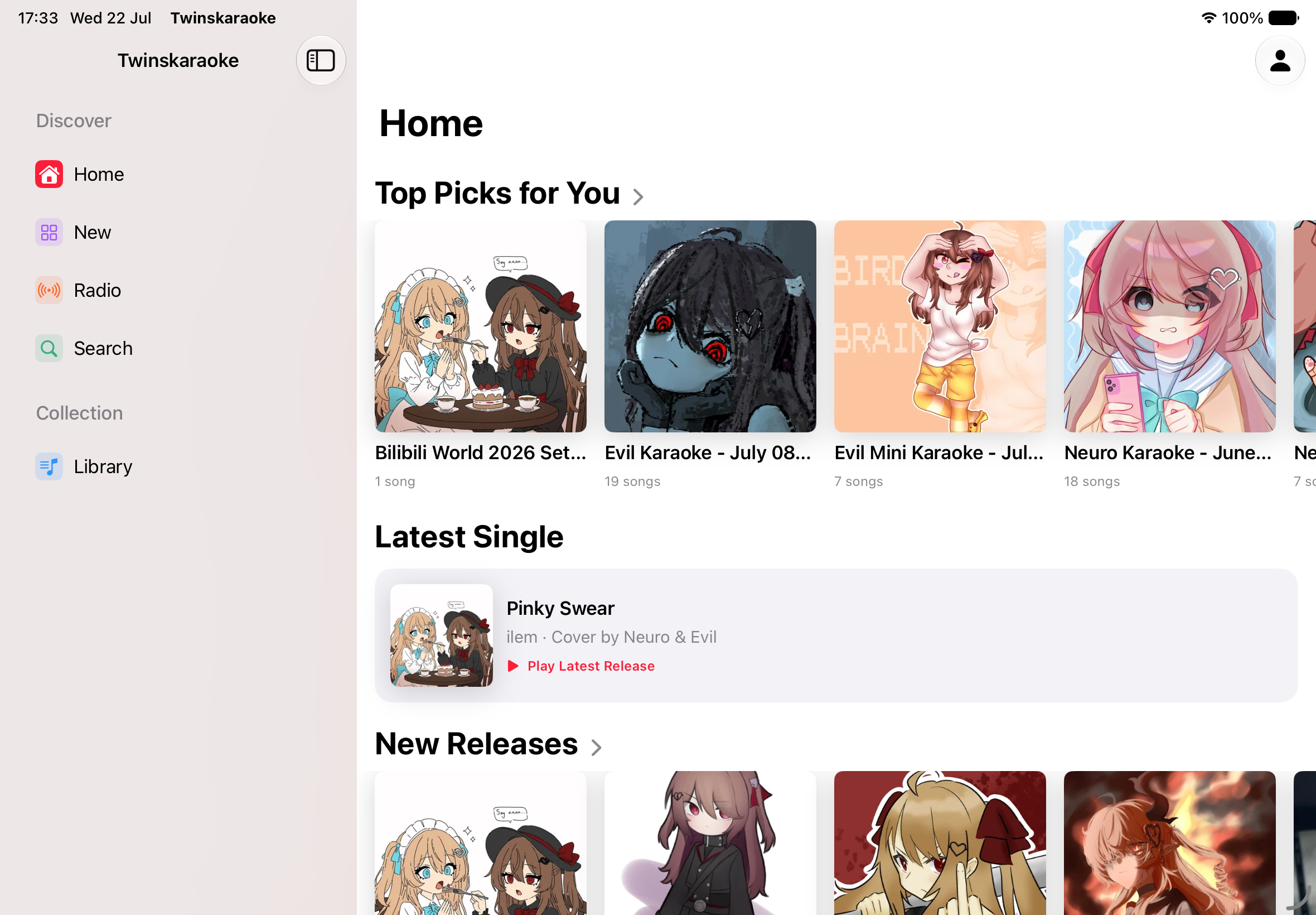
Full landscape support for iPad and iPhone
See More on iPad
Install via TestFlight
- Download the TestFlight app: https://apps.apple.com/us/app/testflight/id899247664
- Log in to TestFlight in the app with your Apple account.
- Click on this link on your iPhone: https://testflight.apple.com/join/PrNm97Vr
- Click install.
TESTFLIGHT BUILDS EXPIRE AFTER 90 DAYS
Each build we upload to TestFlight is only valid for 90 days, after which it stops working and you will need to update to a newer build. If we ever fail to upload a new build in time, testers will lose access to the app until a fresh build is published.
Or scan the QR code to join the TestFlight beta:
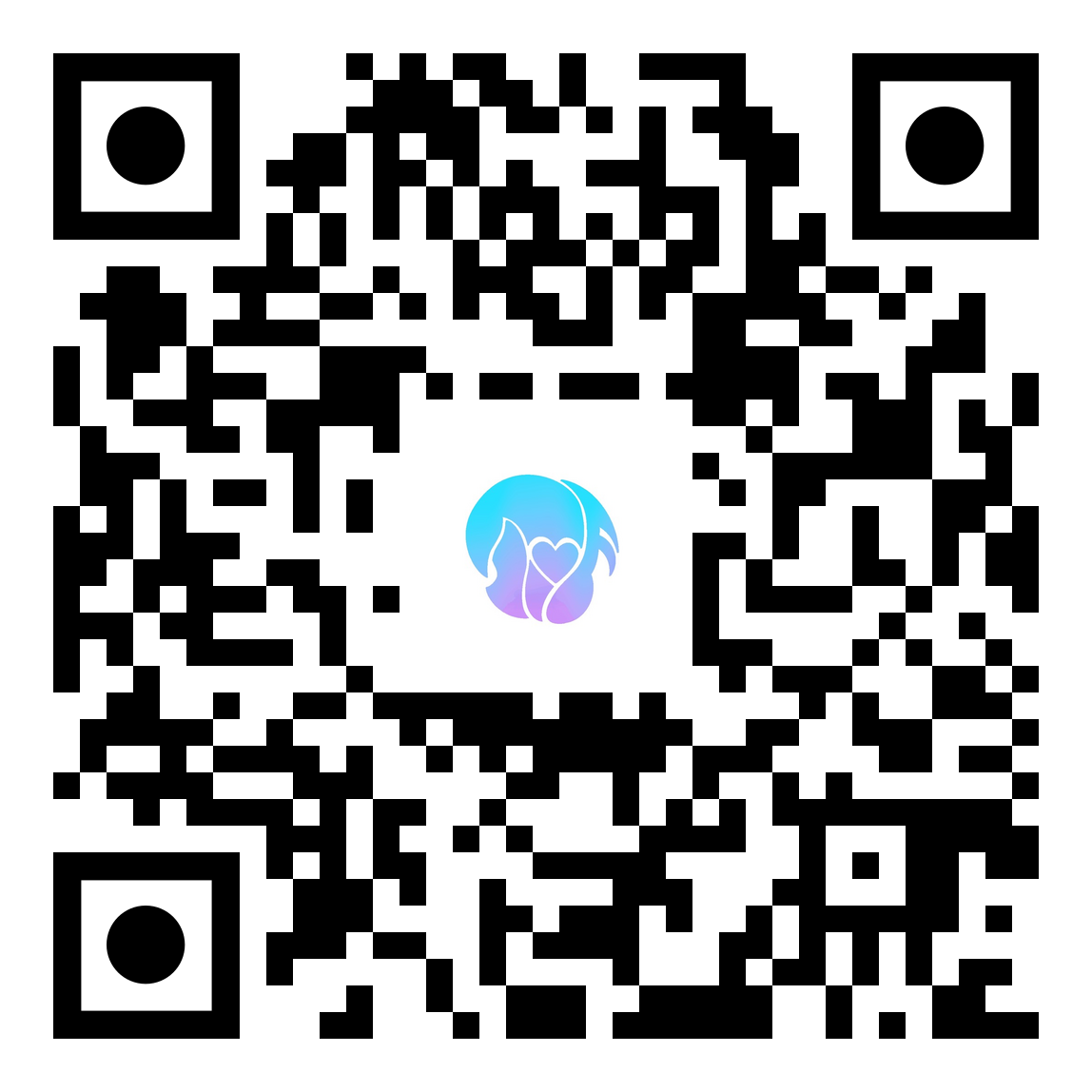
Scan with your iPhone camera to open the TestFlight invite
Install via Sideloading
Install using sideloading tools like Sideloadly or AltStore. You will need a free Apple ID.
Step 1: Download the App (Nightly Builds)
As we prepare for our App Store launch, we highly recommend using our Nightly Builds to get the latest features, bug fixes, and improvements!
Go to the Nightly Releases page and download the latest .ipa file:
Twinskaraoke-iPhone-Sideload.ipa(Recommended for iPhone & iPad)
Step 2: Sideload
- Open your favorite sideloading tool on your PC/Mac.
- Drag and drop the downloaded
.ipainto the tool. - Enter your standard Apple ID when prompted to sign the app.
- Hit install!
TIP
Sideloadly Users: Our IPA is pre-optimized for you. You do NOT need to click "Remove Plug-ins" in Advanced Options!
Apple Watch
If you wish to use the Apple Watch companion app, download the Twinskaraoke-Watch.ipa as well.
INFO
Free Apple accounts are limited to creating 10 App IDs every 7 days. Because Watch apps use multiple App IDs at once, sideloading the Watch version may fail if you have hit Apple's server limit. If this happens, please stick to the iPhone-only IPA.
Apple TV
The Apple TV app is not on TestFlight and has no .ipa in the nightly releases yet — you install it by building from source and running it on your Apple TV from Xcode. The Apple TV page walks through what the app does, how to sign in with a QR code from your phone, and how to get it onto your TV.
License
This project is licensed under the Apache-2.0 License.