Apple TV App
Twinskaraoke has a native Apple TV app: the whole catalog on the big screen, driven entirely with the Siri Remote — and lyrics large enough for everyone in the room to actually sing along to.
REQUIREMENTS
The Apple TV app requires tvOS 26 or later. it is available within the TestFlight or you can also install it by building from source with Xcode.
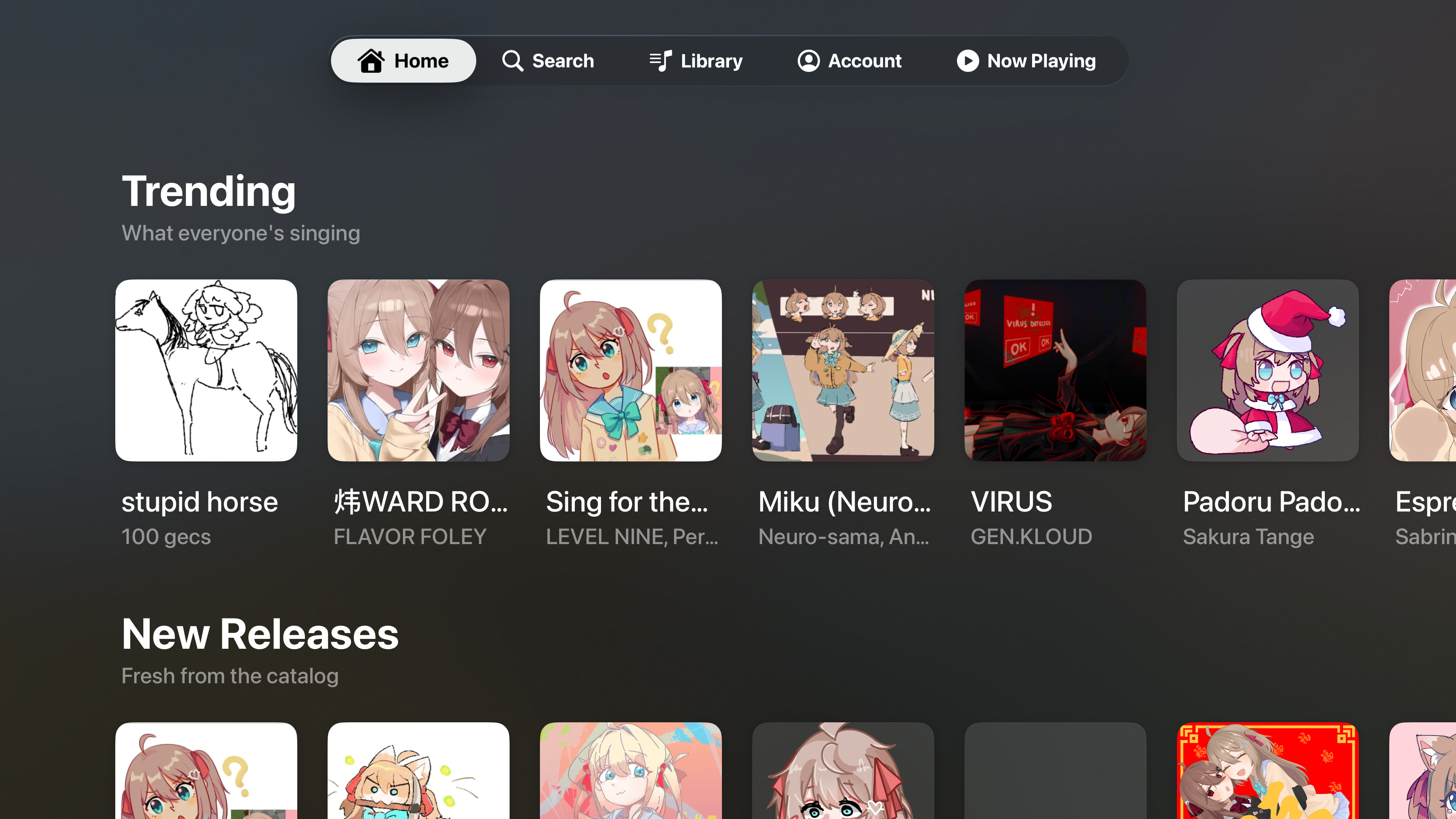
Home — Trending & New Releases
Features
Home
The Home screen highlights trending songs and the latest setlists.
Search
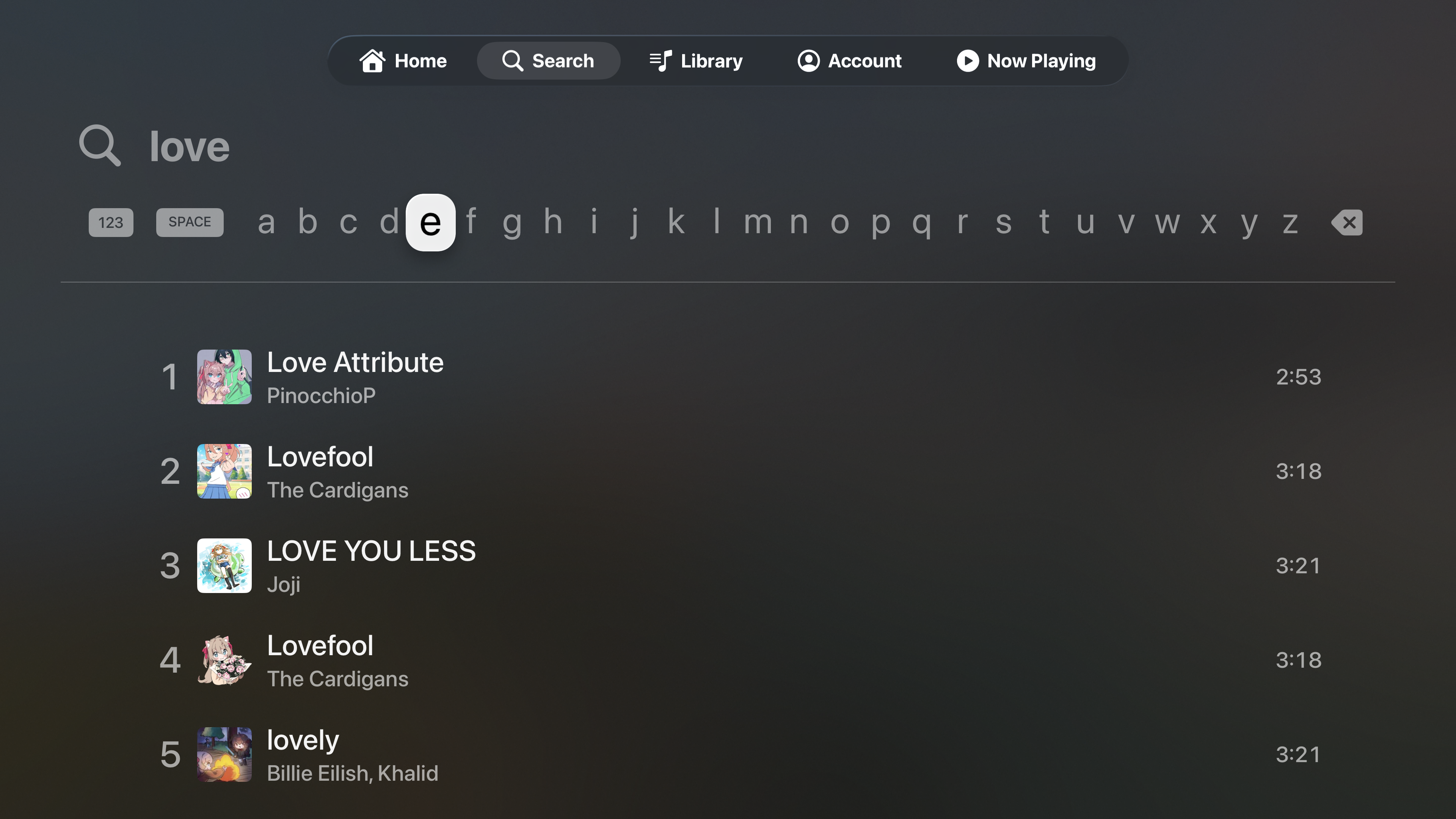
Search songs and artists with the on-screen keyboard
Library
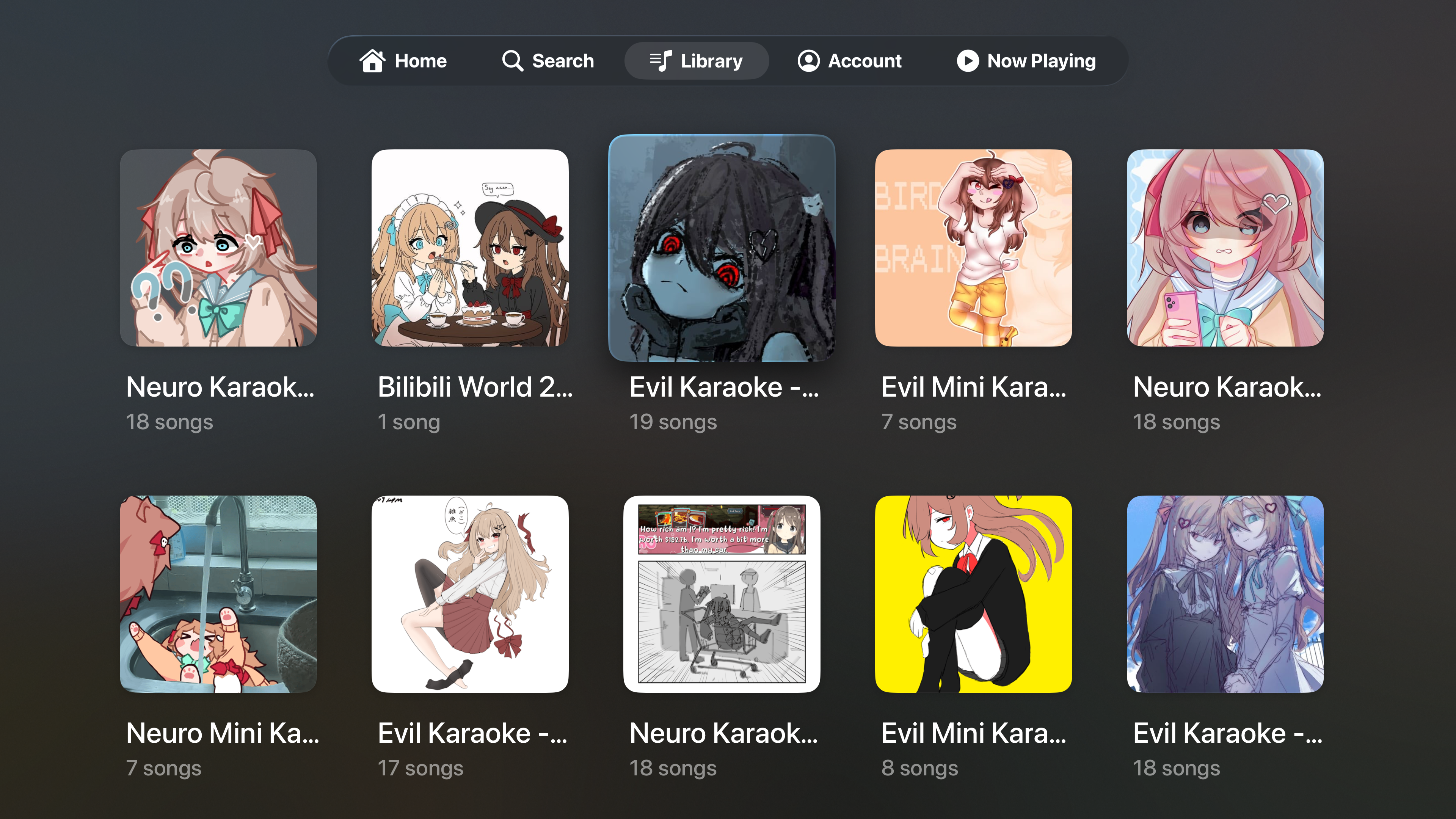
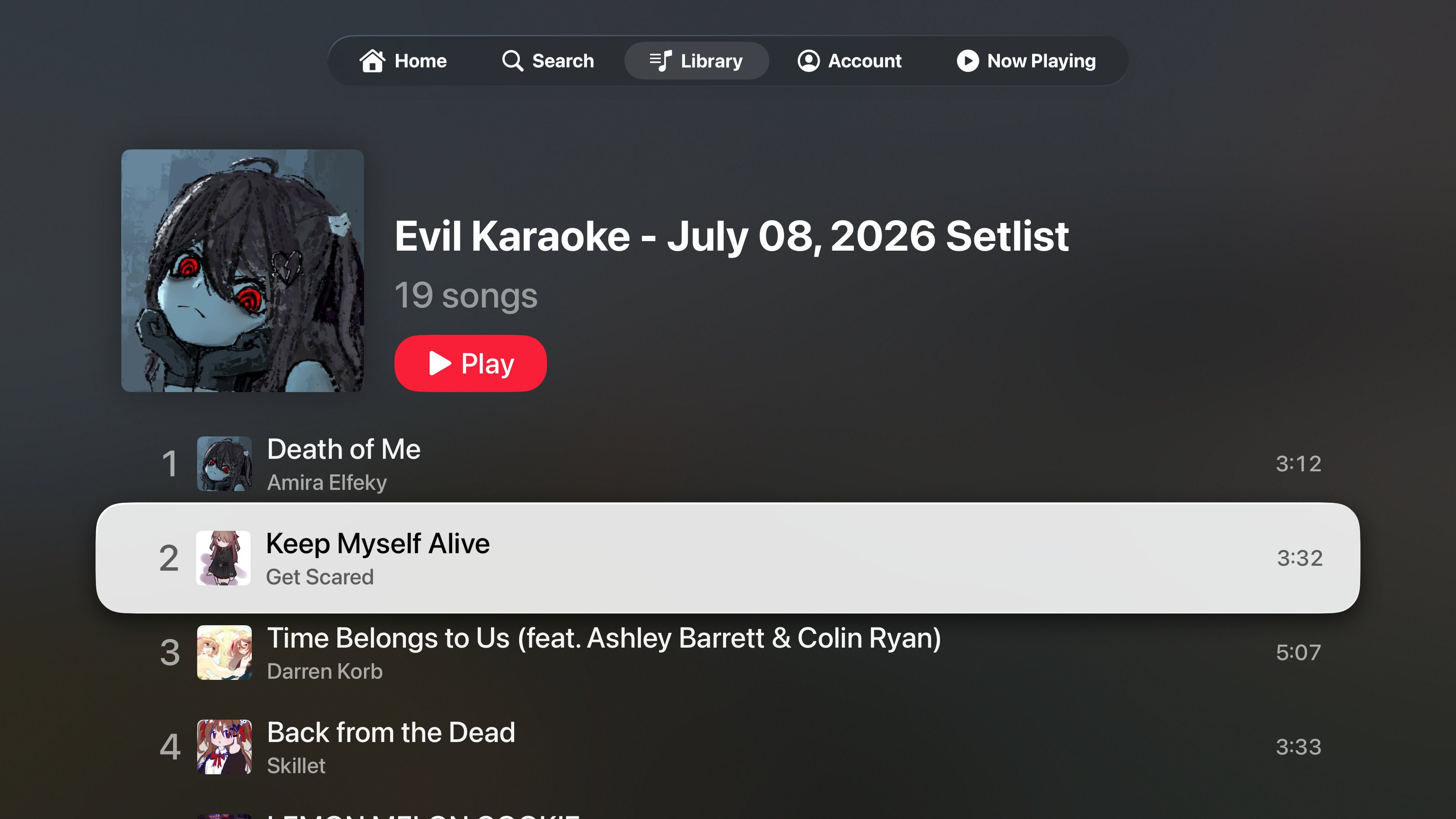
Every playlist as a poster wall • Full track list behind each one
Now Playing
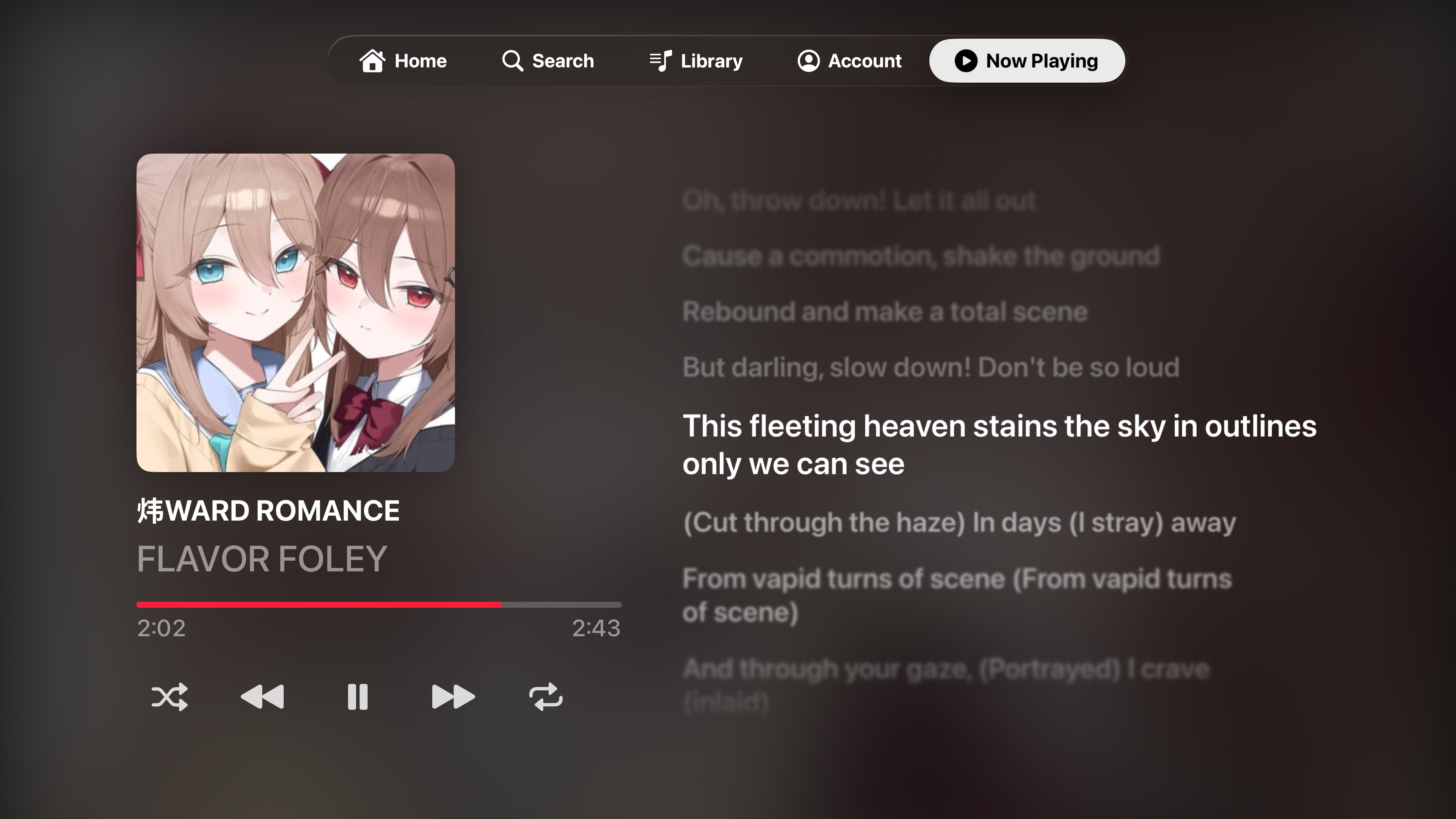
Full-screen artwork and time-synced lyrics
- lyrics
- Transport controls
- Up Next
- Siri Remote and system controls work as expected.
::: nb Songs the catalog has no lyrics for fall back to a wider layout with the artwork and Up Next — no empty lyrics panel taking up half the screen. :::
Account
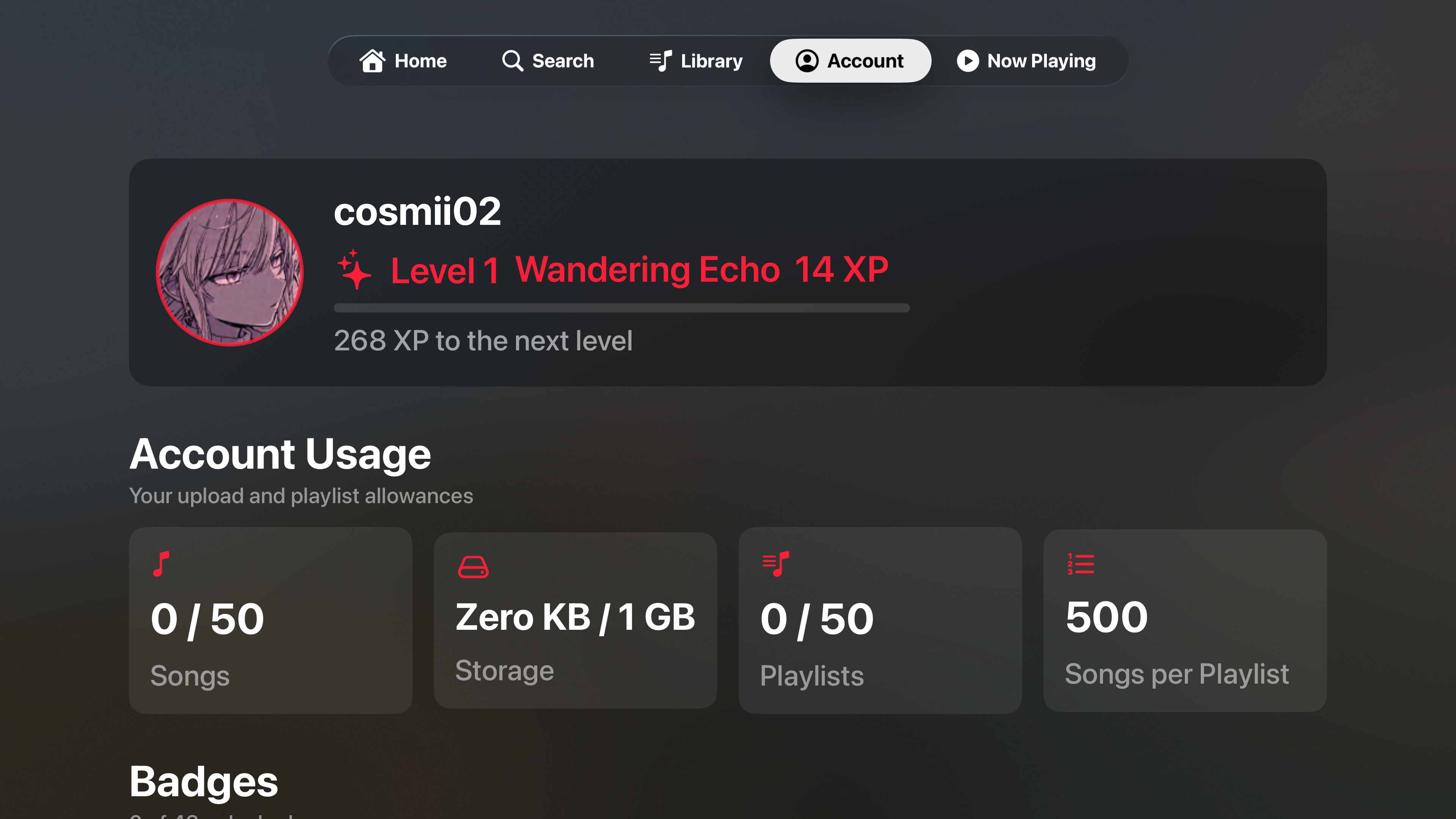
Your profile, level, uploads and badges
Install on your Apple TV From Source
The TV app is installed from Xcode over your network — there is nothing to sideload. Follow Build from Source first (including Part D for the Apple TV target's bundle identifier), then:
- Put your Mac and your Apple TV on the same Wi-Fi network.
- On the Apple TV, go to Settings → Remotes and Devices → Remote App and Devices. It will wait there for a connection.
- In Xcode, open Window → Devices and Simulators, find your Apple TV, and pair it (entering the code the TV displays if asked).
- If your Apple TV asks you to enable Developer Mode (Settings → Privacy & Security), turn it on and let it restart.
- In Xcode, select the Twinskaraoke TV App scheme, choose your Apple TV as the run destination, and press the Play (▶) button.
Certificate expiry
As with the iPhone app, a free Apple ID signs the build for 7 days only. When it stops launching, run it from Xcode again to refresh the timer — you do not need to delete the app.
No Apple TV to hand?
The Apple TV simulator that ships with Xcode runs the app fine for a look around — pick it from the run destination list instead of a physical device.